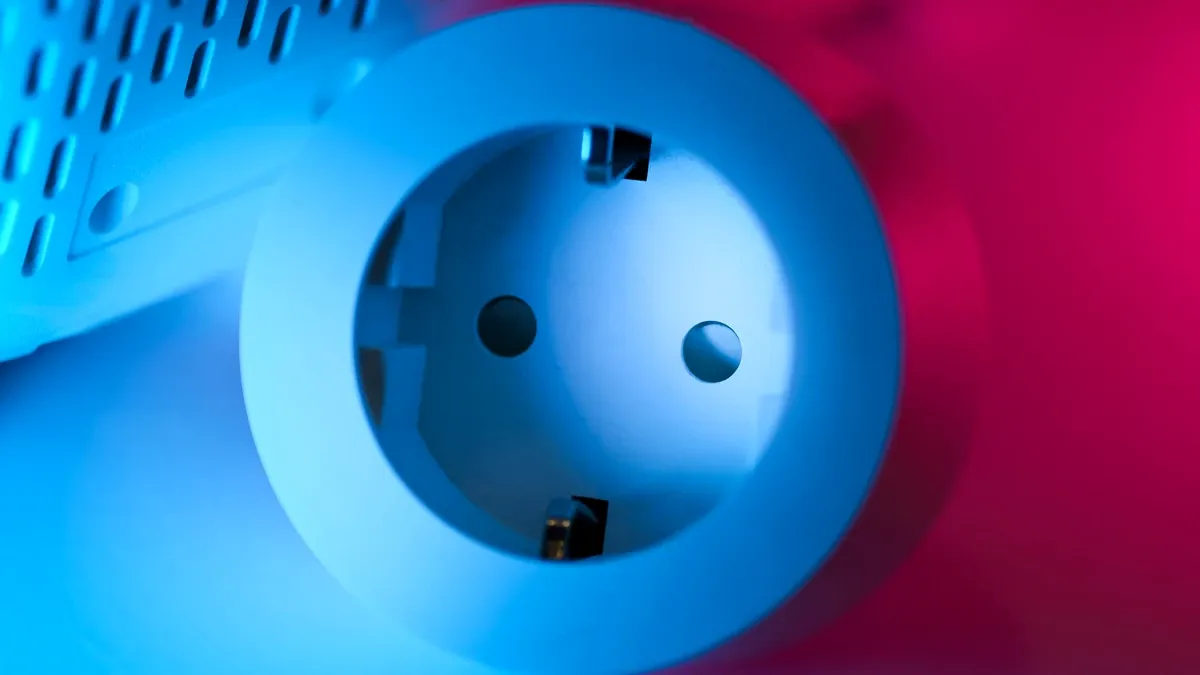
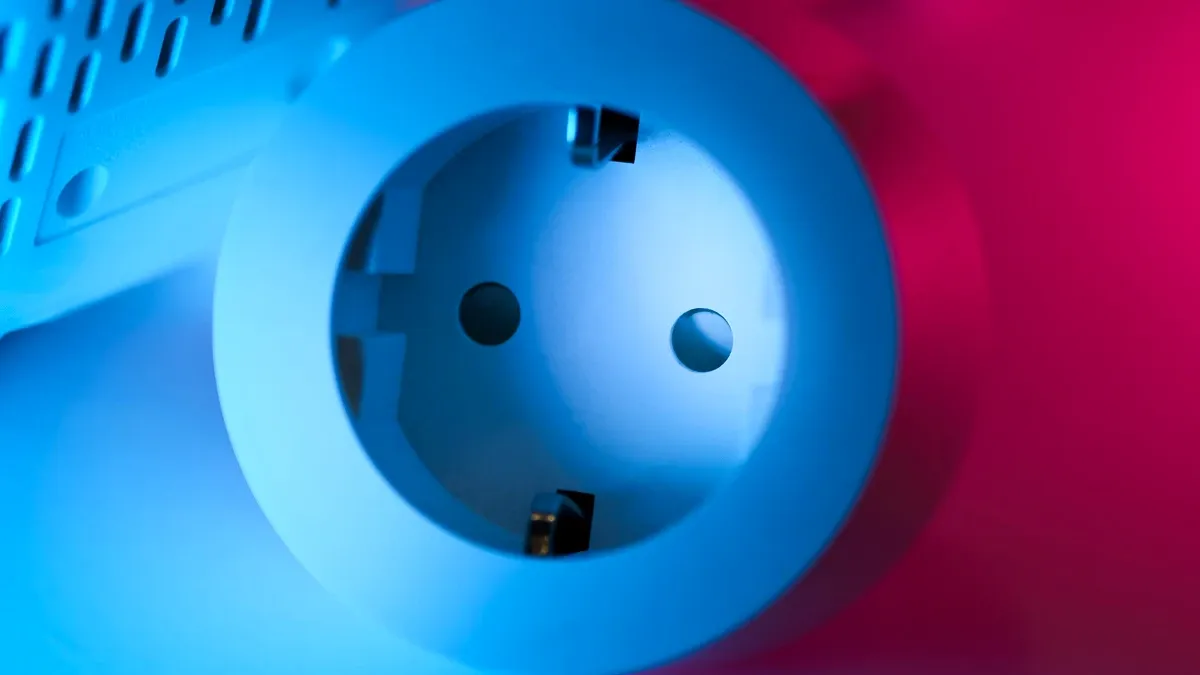
Smart plugs for energy monitoring have become essential tools for homeowners looking to understand and reduce their electricity consumption. These compact devices plug directly into your outlets and track real-time power usage, giving you visibility into how much energy your appliances actually consume. Whether you're concerned about rising electricity bills or want to make your home more environmentally friendly, the right energy-monitoring smart plug can make a meaningful difference.
The market for smart plugs has evolved significantly over the past few years, with manufacturers now offering sophisticated energy tracking capabilities alongside traditional smart home automation features. Understanding what to look for in an energy-monitoring smart plug—and knowing which models deliver the best balance of accuracy, features, and affordability—can help you make a confident purchasing decision.
What Makes a Smart Plug Effective for Energy Monitoring
Before diving into specific recommendations, it's worth understanding what separates effective energy-monitoring smart plugs from basic models. The core functionality relies on built-in power measurement technology that tracks voltage, amperage, and wattage in real time.
True energy-monitoring smart plugs measure power consumption continuously and often record this data over time. This historical data becomes particularly valuable because it reveals patterns. You might discover that your entertainment system draws standby power even when turned off, or that your refrigerator uses significantly more energy during certain hours.
The best models in this category provide data visualization through mobile apps, making it easy to understand consumption patterns at a glance. Some advanced units display information on a small LCD screen directly on the plug itself, which is helpful if you're checking energy use while away from your smartphone.
Accuracy matters significantly when selecting an energy-monitoring smart plug. Cheaper models may have measurement tolerances of 5-10%, while higher-quality devices typically maintain accuracy within 2-3%. Over time, even small measurement errors can skew your understanding of true energy consumption.
Integration with broader smart home ecosystems also matters for many users. Smart plugs that work with popular platforms like Amazon Alexa, Google Home, or Apple HomeKit offer greater flexibility for automation and control across your entire connected home setup.
Key Features to Compare
When evaluating smart plugs for energy monitoring, several specific features deserve your attention.
Real-time power tracking is the fundamental feature you're paying for. This shows instantaneous wattage usage and often updates every few seconds. Without real-time tracking, you're essentially guessing at your actual power consumption.
Historical data logging and analysis lets you see how consumption varies over hours, days, or weeks. The best platforms aggregate this information and present it clearly, helping you identify your biggest energy drains.
Smart scheduling and automation allows you to set the plug to turn devices on or off at specific times. This proves especially valuable for water heaters, pool pumps, or charging stations where you can shift usage to off-peak hours if your utility offers time-of-use rates.
Multiple outlet options matter if you have limited physical space. Some smart plugs replace traditional single outlets, while others include integrated outlets or serve as power strips with built-in energy monitoring.
Load capacity indicates the maximum wattage a plug can handle. Most standard smart plugs support 15-16 amperes, suitable for everyday devices. However, high-draw appliances like space heaters or air conditioning units require plugs with higher capacity ratings.
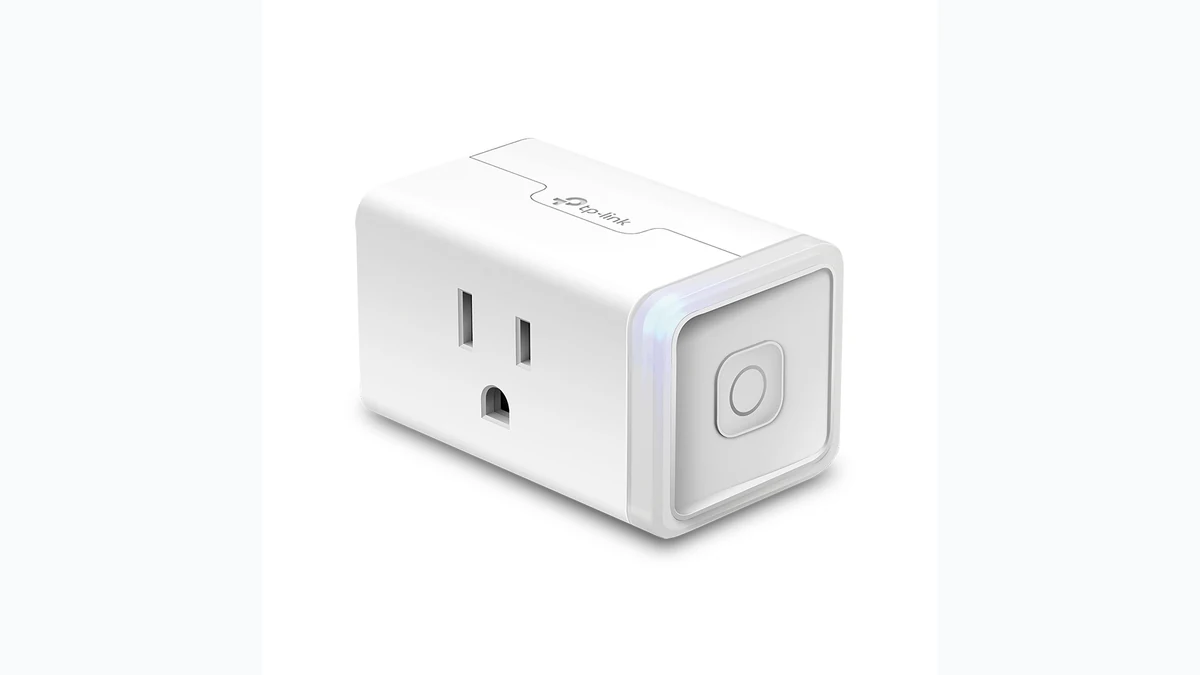
Compact design prevents the plug from blocking adjacent outlets, which was a common complaint about earlier generations of smart plugs.
Manual override buttons give you physical control without requiring smartphone access—useful when your WiFi experiences temporary issues or you simply want hands-on operation.
Understanding Energy Data Collection
Modern smart plugs gather data through integrated power monitoring chips that measure electrical characteristics of the load. This information travels through your home WiFi network to cloud servers, where it's stored and processed.
The frequency at which data updates varies by model. Some budget-friendly options update every 30 seconds, while premium models provide updates every 5-10 seconds. More frequent updates give you better granularity for understanding power spikes and dips.
Data storage capacity also varies. Cloud-connected smart plugs typically store weeks or months of historical data, allowing you to spot seasonal trends. A home with an air conditioning system, for example, might show dramatically different energy consumption patterns between summer and winter months.
When evaluating any smart plug's data accuracy, understand that measurements include both real power consumption and harmonic distortions created by the device itself. The best energy-monitoring plugs account for these factors in their calculations, ensuring you see the most accurate picture possible.
Comparing Different Smart Plug Categories
Standard smart plugs with basic monitoring represent the most affordable category. These devices track power consumption but may not offer the most sophisticated data visualization or historical analysis. They work well for basic awareness—understanding whether your coffee maker or space heater actually needs to stay plugged in 24/7.
Dual-outlet and multi-outlet monitoring smart plugs let you monitor several devices through a single wall outlet. If you have limited outlet space, this approach provides monitoring capability without requiring additional hardware investment. Some monitor each outlet independently, while others measure total consumption across all connected outlets.
Smart power strips with integrated monitoring essentially place monitoring technology directly into the power strip itself. These often feature better build quality and can handle more simultaneous devices than traditional smart plugs.
WiFi-enabled smart switches represent a different approach, replacing your existing wall switches rather than plugging into outlets. This option works best during home renovations or new construction, when you have easier access to wall wiring.
Hardwired smart home energy monitors represent the premium approach, measuring consumption at your electrical panel. These provide comprehensive whole-home data and don't require individual outlet plugs for every device, but installation requires electrician expertise.
Integration with Smart Home Ecosystems
The best smart plugs for energy monitoring work seamlessly within existing smart home setups. Amazon Alexa compatibility remains the most common standard, enabling voice control and routine automation. Google Home integration appeals to users invested in Google's ecosystem, while Apple HomeKit support serves the Apple-centric crowd.
Compatibility matters most for automation scenarios. Imagine setting a routine where your smart plug reduces power to a device during peak hours automatically, lowering your consumption when electricity rates are highest. That kind of sophisticated automation becomes possible with good ecosystem integration.
Some energy-monitoring smart plugs work with dedicated apps only, without broader smart home platform support. This approach offers no inherent disadvantage if you're content managing everything through the manufacturer's app, but it limits flexibility for advanced automation scenarios.
Making Sense of Energy Data
Receiving accurate energy information means nothing if you don't understand how to interpret it. Smart plugs typically display power consumption in watts (instantaneous usage) or kilowatt-hours (cumulative usage over time).
To calculate your actual energy costs, multiply kilowatt-hours by your local electricity rate. Most utility bills list this rate clearly—often expressed as something like $0.12 per kilowatt-hour.
An example: if a space heater uses 1,500 watts continuously for one hour, that's 1.5 kilowatt-hours. Multiply 1.5 kWh by $0.12, and you'll see that heater costs about 18 cents per hour of operation.
Understanding standby power deserves special attention. Many modern devices—televisions, coffee makers, printers, game consoles—draw small amounts of power even when supposedly "off." These phantom loads might seem insignificant individually, but collectively they can account for 5-10% of typical household electricity consumption.
Installation and Setup Considerations
Most energy-monitoring smart plugs require only basic setup. You'll plug the device into an outlet, connect it to your home WiFi network through the manufacturer's app, and assign it a meaningful name (like "Living Room TV Plug" or "Basement Freezer Plug").
WiFi connectivity represents the primary requirement. Plugs located far from your WiFi router may experience intermittent connection issues, causing gaps in your energy data. If coverage is questionable in a specific location, consider using a WiFi extender to ensure reliable connectivity.
Many smart plugs support both 2.4GHz and 5GHz WiFi bands. If you're using both bands simultaneously on your router, some plugs work better with one band or the other—check specifications if you experience connectivity issues.
Firmware updates should be automatic for most modern smart plugs. Regular updates improve functionality and address potential security concerns, making automatic update capability valuable.
Privacy and Security Aspects
Any internet-connected device raises legitimate privacy questions. Smart plugs transmit your energy consumption data through your home network and to manufacturer servers, theoretically revealing your daily routines and household behaviors.
Choose smart plugs from reputable manufacturers with established privacy policies. Read what data they collect, how long they retain it, and whether they share it with third parties. The most transparent companies offer clear privacy documentation on their websites.
Local data processing—where the plug itself stores data rather than constantly uploading to cloud servers—offers enhanced privacy. However, this approach requires more sophisticated hardware and typically costs more.
Strong WiFi security with a unique, complex password remains your first line of defense. Use a dedicated network for smart home devices if your router supports that feature, isolating them from computers and phones containing sensitive personal information.
Maintenance and Longevity
Quality smart plugs should last several years with minimal maintenance. Avoid exposing them to excessive heat, moisture, or physical damage. If a plug feels warm to the touch during normal operation, stop using it immediately—it may have internal issues.
Dust accumulation around the plug can reduce heat dissipation slightly. An occasional gentle cleaning with a dry cloth keeps things clean without risking electrical hazards.
Battery-backed smart plugs sometimes include internal batteries for memory retention. These typically don't need replacement, but understanding whether your plug includes this feature helps with long-term planning.
Conclusion: Choosing the Right Smart Plug for Energy Monitoring
The best smart plugs for energy monitoring deliver accurate real-time data, historical tracking capabilities, and seamless integration with your existing smart home setup. Rather than seeking the most feature-rich option available, focus on identifying a plug that matches your specific needs and use cases.
Start by considering which devices consume the most energy in your home—typically water heaters, refrigerators, air conditioning units, and heating systems. For devices you can actually plug into outlets, energy-monitoring smart plugs provide valuable visibility into their actual consumption patterns.
Look for models with solid user reviews mentioning accurate measurements and reliable connectivity. Prioritize data presentation that you'll actually find useful and understandable. And choose a plug that integrates with your existing smart home platform to maximize the potential for automation and insights.
Smart plugs for energy monitoring represent a cost-effective way to understand your electricity consumption and identify genuine opportunities for savings. With the right choice, you'll gain insights that could help reduce your utility bills while supporting your broader sustainability goals.
Source checks
- U.S. Department of Energy guidance on measuring standby power: Measuring Standby Power.
- ENERGY STAR overview of smart home energy management systems: Smart Home Energy Management Systems.
- TP-Link/Kasa official KP125M energy-monitoring Matter plug page: Kasa KP125M.
- Matter official overview for smart-home compatibility: Matter: simple, secure, connected.
Related smart-home decisions
- For the current shortlist, start with our best smart plugs for energy monitoring 2026.
- If Matter compatibility matters more than energy charts, compare best Matter smart plugs.
- If you want the value Matter pick, read the Kasa KP125M review.
- If your home is Apple-first or Thread-ready, read the Eve Energy review.
- If you are deciding between plug-in control and replacing a wall switch, read smart plug vs smart switch.
- Before buying across a whole room, use the smart-home compatibility checklist.
Frequently asked questions
Do energy-monitoring smart plugs actually lower electricity bills?
Not by themselves. They lower bills only when the data changes behavior, such as turning off standby loads, scheduling high-use devices, or replacing inefficient equipment. The plug is a measurement and control tool, not a magic bill reducer.
What should I monitor first with a smart plug?
Start with plug-in devices that run often or sit in standby: entertainment centers, dehumidifiers, fans, office gear, space heaters, freezers, and chargers. Do not use a small smart plug on hardwired or oversized loads.
Should I buy a Matter smart plug for energy monitoring?
Buy Matter if you want better long-term smart-home compatibility, especially across Apple Home, Alexa, Google Home, and SmartThings. Confirm that the plug still exposes detailed energy history in the app you plan to use.
Is Kasa or Eve better for energy monitoring?
Kasa is usually the better value for broad Wi-Fi Matter homes. Eve Energy is the premium pick for Apple-first, Thread-ready, or privacy-focused homes. The right choice depends more on your ecosystem than on the wattage screen.
Are energy-monitoring smart plugs safe for space heaters?
Only if the plug is rated for the load and the heater manufacturer allows plug-in controls. High-draw heat appliances deserve extra caution. Never exceed the smart plug's amperage and wattage rating.