Finding quality wireless earbuds doesn't require spending $200 or more. The sub-$100 price range has become surprisingly competitive, with manufacturers offering solid sound quality, reliable connectivity, and useful features at accessible price points. Whether you're commuting, working out, or just looking for everyday listening, there are excellent options available at this budget level.
This guide walks you through what to look for when choosing wireless earbuds under $100, the key features that matter most, and the types of earbuds that deliver the best value in this price range.
What to Expect from Wireless Earbuds Under $100
Before diving into specific models, it's helpful to understand what you're actually getting at this price point. Budget-friendly wireless earbuds have improved dramatically over the past few years, but certain trade-offs remain.
Most earbuds under $100 offer solid Bluetooth 5.0 or 5.1 connectivity, which ensures stable connections within typical range limits. Battery life is usually respectable—expect 5 to 8 hours of listening time on a single charge, with another 20-30 hours available through the charging case. Sound quality in this range is generally "good enough" for everyday listening, though you won't get the premium audio engineering of higher-end models.
Active noise cancellation, once exclusive to expensive earbuds, has trickled down to this price range. However, sub-$100 models typically offer passive noise isolation or light ANC rather than the sophisticated cancellation found in premium options. Comfort and fit are usually good, with most manufacturers including multiple earbud sizes to accommodate different ear shapes.
What you might sacrifice at this price point: pristine high-end audio clarity, advanced connectivity features like multi-device pairing, premium build materials, and comprehensive app ecosystems with extensive customization.
Sound Quality Considerations
When shopping for wireless earbuds under $100, understanding sound quality expectations is crucial. Most budget earbuds emphasize bass and midrange clarity, which makes them enjoyable for pop, hip-hop, electronic music, and podcasts. Classical music and acoustic genres might reveal some limitations in detail and soundstage.
Frequency response is a technical way of describing which tones an earbud emphasizes. Many sub-$100 models have a "U-shaped" response curve, which means boosted bass and treble with relatively neutral midrange. This tuning makes music feel engaging and fun, though it's not necessarily accurate to how it was recorded.
Codec support matters for sound quality. Most budget earbuds use basic Bluetooth codecs like SBC or AAC. Some step up to LDAC or aptX, which provide higher quality audio transmission from compatible phones. However, the difference between codecs is subtle unless you're an audiophile with a compatible device.
Driver size typically ranges from 6mm to 10mm in this price range. Larger drivers don't automatically mean better sound—driver design, tuning, and materials matter equally. Some smaller, well-engineered drivers outperform poorly designed larger ones.
Battery Life and Charging
Battery longevity is one area where budget earbuds genuinely compete with premium models. Most wireless earbuds under $100 provide 5-8 hours of continuous playback, which covers a full workday or several long commutes.
The charging case is essential for this equation. A quality case should restore multiple full charges. Standard expectations include 20-30 additional hours from the case, though some models offer up to 40 hours total with the case included. Fast charging features are becoming common—some cases can deliver several hours of listening time from just 15-30 minutes of charging.
Charging speed varies between USB-C and older micro-USB connectors. USB-C is faster and increasingly standard, even on budget models. Wireless charging, which eliminates cable hassle, appears on some sub-$100 options, though it's not universal.
Real-world battery performance depends on usage patterns. Heavy active noise cancellation usage, maximum volume, or continuous voice calling drains batteries faster than moderate listening at moderate volume. Most manufacturers' battery claims are achievable under typical conditions.
Comfort and Fit
Uncomfortable earbuds aren't worth any price. Since you'll wear them regularly, fit should be a priority in your decision-making process.
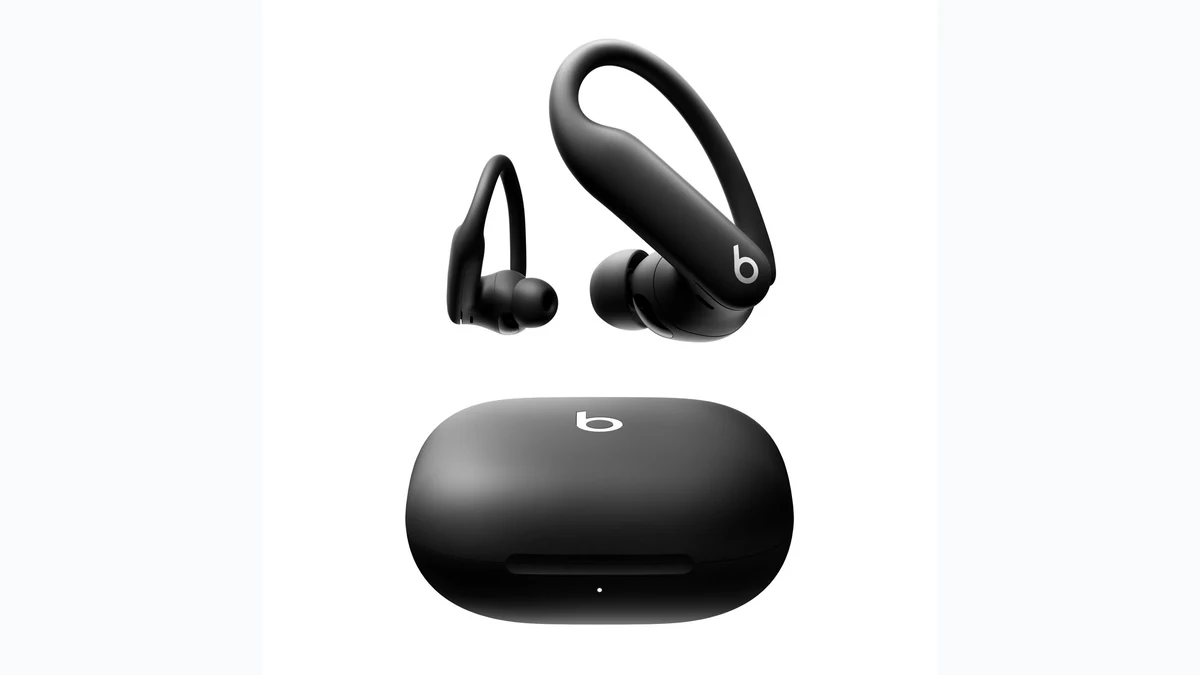
Earbud design falls into a few categories: In-ear sealed designs use silicone tips and rest inside the ear canal, providing good sound isolation and reliable fit for most people. Over-ear hook designs wrap around the top of your ear, offering security for active use and comfort for extended wear without seal pressure. Open-fit designs sit in the ear without sealing the canal, prioritizing comfort and natural sound over isolation.
The number of included silicone tip sizes is important. Three sizes (small, medium, large) is standard; some premium budget options include four or more. A proper fit shouldn't require deep insertion—the earbud should sit at the outer part of your ear canal comfortably.
Weight matters during extended use. Modern earbuds are lightweight, typically weighing 4-8 grams each, so this rarely becomes an issue. However, heavier designs combined with aggressive in-ear sealing can cause fatigue.
Stability is crucial if you exercise frequently. Hook-style earbuds and designs with wing-tips provide more security during movement. If you plan to run or do high-impact activities, look for models specifically designed for athletic use, even within the sub-$100 category.
Noise Isolation and Active Noise Cancellation
Noise control comes in two forms: passive isolation and active cancellation. Understanding the difference helps you choose appropriately for your environment.
Passive noise isolation depends on how well the earbud seals in your ear. A proper fit with quality silicone tips blocks outside noise naturally—studies show this alone blocks 15-30 decibels depending on frequency. This is often sufficient for trains, planes, and offices, and it doesn't drain battery.
Active noise cancellation (ANC) uses microphones and phase-shifted audio to detect and counteract ambient noise electronically. Budget ANC isn't as comprehensive as premium implementations—it typically handles low-frequency rumble like engine noise better than high-frequency sounds like voices. But even basic ANC noticeably reduces background noise for phone calls and music enjoyment.
Some sub-$100 models skip ANC entirely, relying purely on passive isolation. Others include light ANC that works reasonably well. The choice depends on your environment. Office workers might prefer solid passive isolation plus comfortable fit. Frequent travelers might find the battery trade-off of ANC worthwhile.
Connectivity and Controls
Bluetooth stability is generally reliable across the sub-$100 range, assuming recent Bluetooth versions (5.0 or later). Connection range is typically 30-35 feet in open space, adequate for most indoor and commuting scenarios.
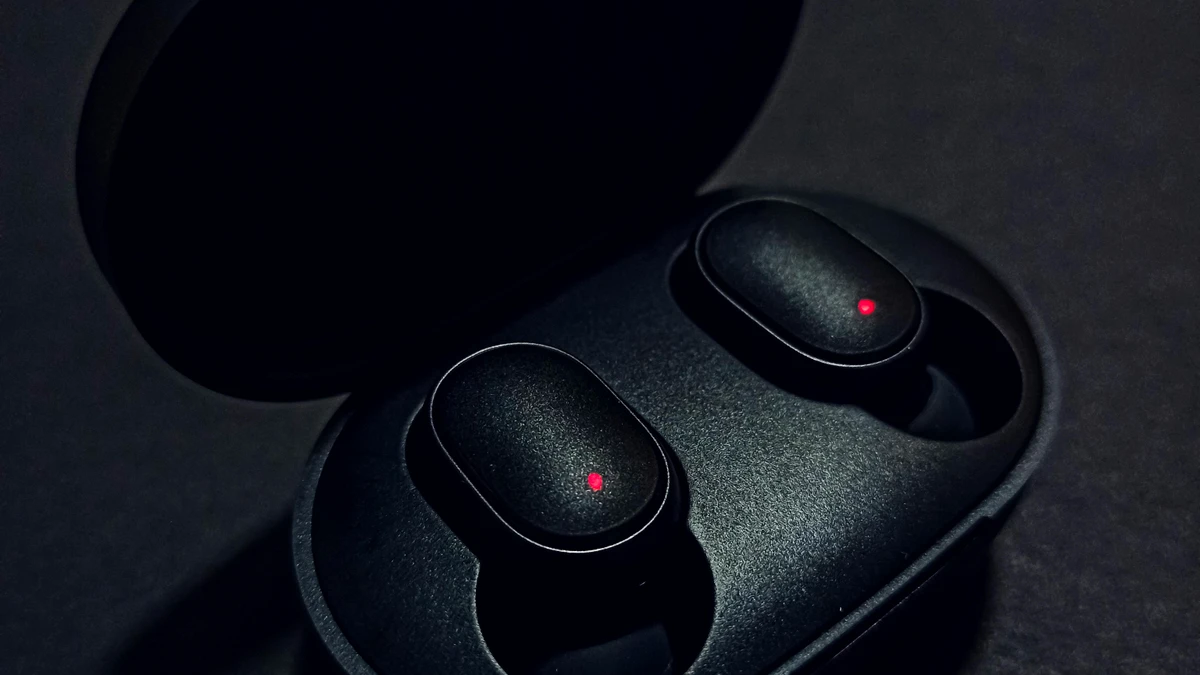
Pairing is usually straightforward—take earbuds out of the case, press and hold the button until LED indicators show pairing mode, then select them from your phone's Bluetooth menu. Reconnection happens automatically when you remove earbuds from the case on subsequent uses.
Control options include physical buttons, touch-sensitive surfaces, or stems (like Apple's design). Physical buttons offer reliability and water resistance but take up space. Touch controls feel premium and are responsive but can be unreliable with sweat and water. Stems provide good grip and control accuracy.
Some models support multipoint connectivity, allowing you to pair with two devices simultaneously and switch between them. This is genuinely useful for people with a work laptop and personal phone, but not all budget earbuds support it.
Voice assistant integration is standard. You can activate Siri, Google Assistant, or Alexa through button presses, freeing your hands for calls and quick commands.
Water Resistance Ratings Explained
Water resistance ratings use IP codes—the first number indicates dust resistance, the second indicates water resistance. For earbuds, the water rating (second number) is most relevant.
IPX4 means splash-resistant, suitable for workouts and light rain. IPX5 means water jets won't damage them, appropriate for serious sweating during exercise. IPX7 means they can survive brief submersion up to 3 feet, supporting shower use. IPX8 means full waterproofing and support for swimming.
Most budget earbuds fall into IPX4-IPX7 range, which covers everyday use, gym sessions, and incidental water exposure. Few sub-$100 models include IPX8 rating, so if you need true swimming-grade protection, expect to stretch your budget or compromise elsewhere.
The charging case also needs water resistance. Some cases are splashproof but not water-resistant, so don't submerge them even if the earbuds themselves have a high rating.
Microphone Quality for Calls
Call quality depends on microphone design and noise reduction algorithms. Budget earbuds include microphones for hands-free calling, but quality varies considerably.
Dual-microphone designs, where each earbud has its own mic, pick up your voice from two angles and can cancel ambient noise better than single-mic designs. This typically reduces background noise audible to the person you're calling.
Noise reduction algorithms in the earbud firmware help too. Some models actively suppress wind noise and traffic rumble, making calls clearer in noisy environments.
Real-world performance varies. Call quality in quiet offices is usually excellent even on budget models. Call quality during commutes or in noisy environments shows more variance—some sub-$100 models perform surprisingly well, while others struggle.
App Ecosystems and Customization
Most wireless earbuds under $100 have companion apps that let you customize settings. Simple apps offer basic controls like noise cancellation toggle and EQ adjustments. Advanced apps provide detailed frequency response curves, firmware updates, and additional features.
Budget earbuds sometimes have minimal app support or apps with frequent connectivity issues. The best value options provide stable, useful apps without overcomplicated features you'll never use.
If customization matters to you, check app reviews before purchasing. A poorly designed app can frustrate you during daily use, even if the earbuds themselves are good.
Durability and Warranty
Sub-$100 earbuds are often constructed from plastic rather than premium materials, but modern plastics are durable. Real-world longevity often reaches 2-3 years or more with normal care.
Warranty coverage typically ranges from one year to two years. Some manufacturers offer extended warranty options. Check whether the warranty covers battery degradation—most don't, but some do.
Common failure points include battery degradation over time (all batteries eventually degrade), Bluetooth connection intermittency, and touch-control malfunctions. Build quality varies between brands, and reading user reviews specifically about long-term durability helps identify problematic models.
Who Should Buy Wireless Earbuds Under $100?
This price range suits several buyer profiles perfectly. First-time wireless earbud buyers get to experience the convenience without major financial commitment. If you're unsure whether you'll use wireless earbuds regularly, this price point makes sense for experimentation.
Budget-conscious commuters benefit from the solid battery life and connectivity for daily commutes and travel. Fitness enthusiasts find water-resistant options that handle gym sessions and running without expensive sports-specific models.
People wanting backup earbuds appreciate having multiple pairs at different locations without buying expensive options for each. Regular listeners who aren't audiophiles find that sub-$100 options satisfy everyday listening perfectly well.
Making Your Final Decision
Choosing the right wireless earbuds under $100 requires prioritizing which features matter most to you. Consider your primary use case—working in an office, commuting, exercising, or mixed daily use—and weight features accordingly.
Start by determining whether you need ANC or if passive isolation suffices. Decide whether water resistance matters for your lifestyle. Consider whether you care about specific connectivity features like multipoint pairing or stellar microphone quality for calls.
Read verified user reviews specifically focused on the features you prioritize. A model might have great sound but unreliable touch controls, or vice versa. Real-world user feedback reveals these practical issues better than spec sheets.
Conclusion: Finding the Best Wireless Earbuds Under $100
The best wireless earbuds under $100 for you depend on your specific needs, priorities, and use case. The competitive landscape at this price point means you're not forced to accept significant compromises anymore—instead, you're choosing where to allocate your budget across features you actually value.
For most buyers, the right move is not the earbud with the longest feature list. It is the pair that fits securely, lasts through your normal day, survives your workouts or commute, and sounds good enough that you actually keep using it. Start with fit and battery life, then decide whether ANC, multipoint, water resistance, or app controls deserve extra budget.
Quick price path
| Earbuds | Best fit use | Watch-out |
|---|---|---|
| Soundcore Sport X20 | Workouts, commuting, and buyers who need secure fit first | Bulkier than compact everyday earbuds |

Soundcore Sport X20
The Sport X20 is the under-$100 pick to start with if fit and durability matter: adjustable ear hooks, ANC, IP68-rated earbuds, USB-C, and long case battery life make it a safer buy than generic sealed buds.
Strengths
- Adjustable ear hooks solve the biggest budget-earbud failure point: fit
- IP68-rated earbuds are better protected for sweat, dust, and rain
- Long case battery life and USB-C charging fit daily use
Tradeoffs
- Ear hooks are bulkier than compact stem-style earbuds
- ANC and microphone polish trail premium earbuds
- Charging case is not the waterproof part
This page still treats fit, battery life, water resistance, and call quality as the buying framework. The Soundcore Sport X20 is the current monetized pick because it already clears the important budget-earbud filters and has exact product evidence in the GadgetGlow catalog. Add more exact models only when their product assets and retailer links are verified.
Source checks
- Bluetooth SIG overview of LE Audio and LC3: Bluetooth LE Audio specifications.
- Android developer reference for Bluetooth codec identifiers including SBC, AAC, and LDAC: BluetoothCodecType.
- Apple support note on Apple wireless headphones using AAC over Bluetooth: Play lossless audio in Music on iPhone.
- IEC 60529 reference for ingress protection classification: IEC 60529 IP Code.
Related setup decisions
- If your priority is workouts, compare our running headphones fit guide.
- If earbuds are mainly for calls, pair this guide with our webcam buying guide.
- If call dropouts happen at home, fix smart-home setup decisions before replacing every device.
- Browse more practical device buying paths in Sleep & Wellness.
Frequently asked questions
Are wireless earbuds under $100 actually good?
Yes. The best sub-$100 earbuds are good enough for commuting, workouts, calls, podcasts, and everyday music. You give up premium ANC, richer app ecosystems, and higher-end transparency modes, but the value can be excellent.
Should I prioritize ANC or battery life under $100?
Prioritize battery life and fit first. Budget ANC can help with low-frequency noise, but weak fit ruins both sound and isolation. Buy ANC only if your commute, office, or travel routine is noisy enough to justify the battery trade-off.
Do Bluetooth codecs matter for budget earbuds?
They matter less than fit, tuning, drivers, and your phone compatibility. AAC is useful for iPhone users, while Android buyers may care about LDAC, aptX, or LC3 support, but both the phone and earbuds need to support the codec.
What water resistance rating should workout earbuds have?
Look for at least IPX4 for sweat and light rain. Step up to IPX5 or IPX7 if you run outdoors, sweat heavily, or want more protection, but do not assume the charging case has the same rating.
How long should budget wireless earbuds last?
Expect roughly two to three years from a good pair with normal use. Battery degradation is the main long-term limiter, so case capacity, warranty, and replacement cost matter more than tiny spec-sheet differences.