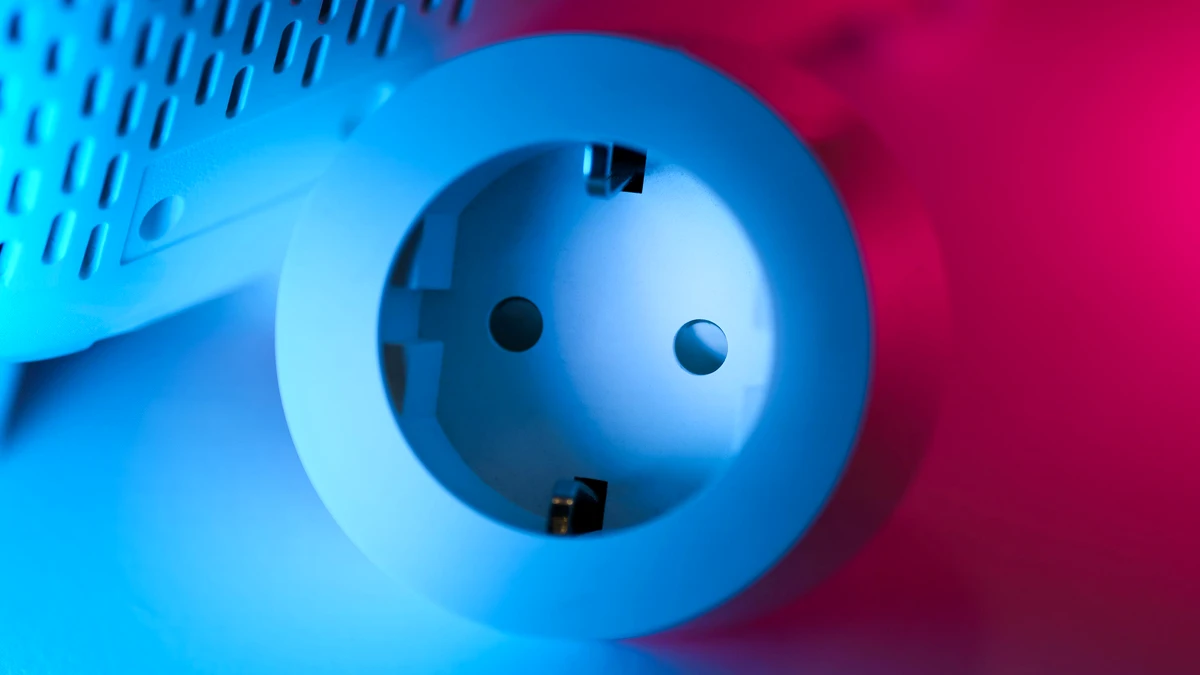
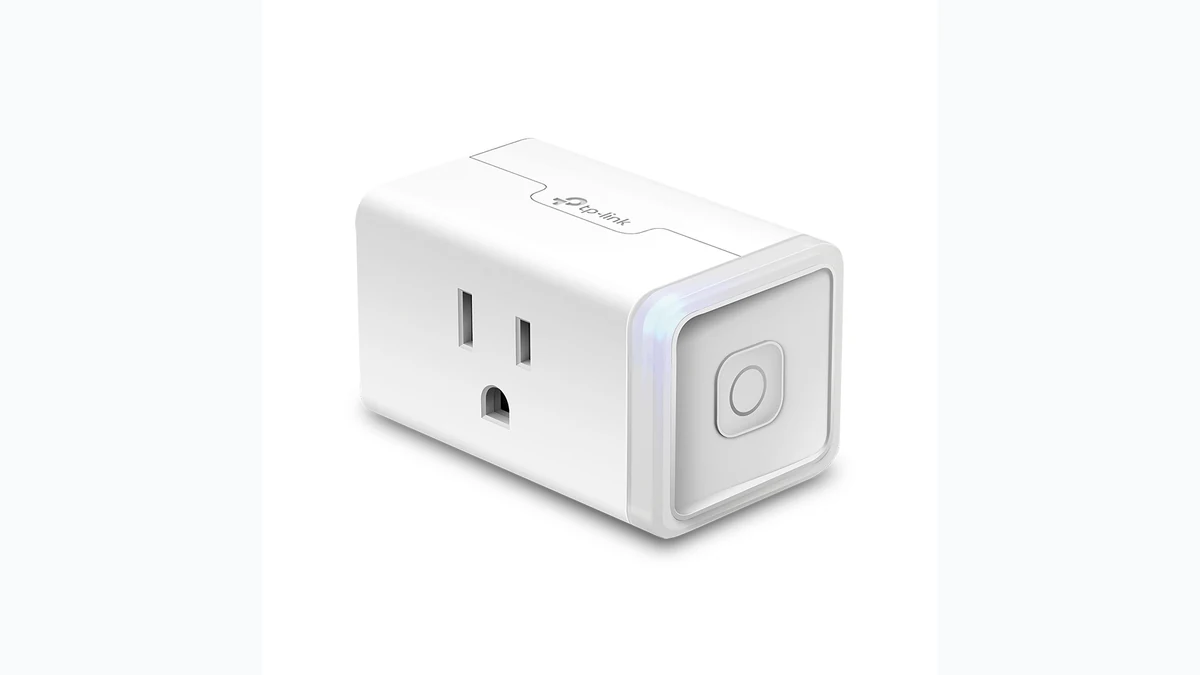
Smart plugs with energy monitoring capabilities have become essential tools for anyone serious about reducing electricity costs and understanding their home’s power consumption. Unlike standard smart plugs that simply turn devices on and off, energy-monitoring smart plugs provide real-time insights into how much power each device is drawing—helping you identify energy vampires and make smarter decisions about your electrical usage.
Whether you’re looking to lower your monthly utility bill, reduce your carbon footprint, or simply gain visibility into which appliances consume the most electricity, energy-monitoring smart plugs offer an affordable entry point into home energy management. This guide covers everything you need to know to choose the right smart plug for your needs, including key features to consider, top product options, and practical tips for maximizing your energy savings.
Why Energy Monitoring Smart Plugs Matter
Understanding your home’s energy consumption is the first step toward meaningful savings. Most households waste significant electricity through phantom power drain—devices that consume power even when they’re not actively in use. Televisions, computer monitors, chargers, and kitchen appliances can silently drain your battery throughout the day and night.
Traditional smart plugs let you schedule devices or control them remotely, but they don’t show you how much power is being used. Energy-monitoring smart plugs bridge this gap by displaying real-time wattage, daily or monthly consumption data, and estimated costs. This transparency empowers you to make informed decisions: Should that space heater really run all night? Is it worth keeping the printer plugged in constantly? How much are your phantom loads actually costing?
Studies show that households using energy monitoring typically reduce consumption by 5–15%, which translates to real savings on your electric bill. Over a year, even modest reductions add up significantly—potentially paying for the smart plugs themselves within months.
Key Features to Look For
When shopping for energy-monitoring smart plugs, several features distinguish quality options from basic models.
Real-Time Energy Data: The plug should display current wattage draw, voltage, and current consumption in real time. This immediate feedback helps you understand exactly what’s happening when you turn devices on and off.
Historical Tracking: Look for plugs that record consumption over hours, days, weeks, and months. This data helps identify patterns and seasonal changes in your usage.
Mobile App Integration: A well-designed app should display all energy metrics clearly, allow you to set alerts, and provide usage trends. Sync capability with voice assistants adds convenience.
Accuracy: Energy monitoring plugs should measure consumption within 1–3% accuracy. Poor accuracy makes the data unreliable for decision-making.
Safety Certifications: Ensure the plug has proper electrical safety certifications (UL, ETL, or CE) to protect your devices and home.
Compatibility: Verify that the plug works with your preferred smart home ecosystem—whether that’s Apple HomeKit, Google Home, Alexa, or an open standard like Zigbee or Z-Wave.
Reliability: A good energy-monitoring plug should last years without dropping connections or losing data. Read user reviews about longevity and consistency.
Size and Outlet Access: Some smart plugs are bulky and block adjacent outlets. Compact designs prevent this problem, especially important if you have power strips with limited spacing.
Top Energy-Monitoring Smart Plugs
Premium Choice: Comprehensive Features and Ecosystem Integration
High-end energy-monitoring smart plugs like the Meross Smart Plug Mini with Energy Monitor combine reliable energy tracking with robust smart home ecosystem support. These plugs typically offer HomeKit compatibility, detailed energy analytics in a dedicated app, and integrate seamlessly with other Meross devices. The compact design doesn’t block adjacent outlets, and they’ve earned strong ratings for long-term reliability.
Premium plugs often feature more granular reporting—breaking down consumption by the hour, highlighting peak usage times, and projecting monthly costs with impressive accuracy. If you’re already invested in a particular ecosystem and want a “set it and forget it” solution with premium analytics, this tier delivers.
Mid-Range Options: Balance of Features and Value
Mid-tier energy-monitoring smart plugs offer most premium features at a lower price point. The TP-Link Kasa Smart Plug Mini with Energy Monitoring exemplifies this category—delivering real-time energy data, historical tracking, and Google Home/Alexa integration without the premium price tag. These plugs work reliably and provide the core functionality most households actually need.
Mid-range options are ideal if you want to monitor multiple rooms or devices without spending a fortune on each plug. You can afford to place them strategically throughout your home—on the home office setup, kitchen appliances, entertainment systems, and garage devices—building a comprehensive picture of your consumption without premium pricing on each unit.
Budget-Friendly: Basic Energy Tracking
Affordable energy-monitoring smart plugs still deliver essential tracking features, though they may lack some advanced analytics or seamless ecosystem integration. Even budget options typically show real-time wattage and let you schedule on/off times remotely. View basic energy-monitoring plugs on Amazon to find options under $15 that offer fundamental tracking without breaking the bank.
Budget plugs work perfectly for identifying major energy drains. You don’t need premium analytics to answer the basic question: “How much power is this device using?” Once you identify the culprits, you can make decisions like unplugging a constantly-running device or scheduling it to run during off-peak hours.
Setting Up Your Energy Monitoring System
Effective energy monitoring requires strategic plug placement. Start by identifying the biggest potential energy consumers in your home:
Kitchen appliances (microwave, coffee maker, dishwasher) often run frequently and draw significant power. Monitoring the refrigerator reveals phantom power drain from older models.
Entertainment systems (TV, soundbar, gaming console) are notorious phantom loads. Many families leave these running in standby mode.
Office equipment (monitors, printers, desk lamps) adds up quickly, especially in households with multiple remote workers.
Heating and cooling devices (space heaters, portable AC units, fans) consume substantial power and benefit most from monitoring.
Start with 2–3 strategic plugs to establish a baseline. Once you understand your usage patterns, add more plugs to less obvious devices. This approach keeps costs manageable while delivering actionable insights.
Maximizing Savings with Your Smart Plugs
Simply having energy-monitoring plugs doesn’t automatically reduce your bill. Use the data strategically:
Identify phantom drain: Many devices use power even when off. Smart plugs reveal which devices are the worst offenders. Consider completely unplugging items you don’t use daily.
Set schedules: Once you understand usage patterns, program plugs to turn off devices during peak hours or when the devices aren’t needed. A coffee maker that turns on only on weekday mornings saves energy (and reheats stale coffee less often).
Monitor seasonal changes: Energy data reveals how heating and cooling costs spike seasonally. This information helps you decide whether a space heater justifies its electricity usage in winter.
Track the impact of changes: When you implement energy-saving measures, your monitoring plugs quantify the actual savings. Did upgrading to an efficient printer reduce energy costs? The data shows exactly how much.
Set cost alerts: Many quality plugs let you establish alerts if a device exceeds expected consumption. This catches unusual activity—like a failing refrigerator compressor running constantly.
Comparing Ecosystems and Compatibility
Your smart home ecosystem choice matters more than many realize. Amazon smart plugs with energy monitoring integrate seamlessly with Alexa and offer broad compatibility with other Alexa devices. If you’re already using Alexa throughout your home, choosing compatible plugs simplifies setup and gives you unified control.
Google Home users benefit from plugs certified for Google Home integration, offering similar unified control and voice command features. Apple HomeKit users should prioritize HomeKit-certified plugs for the most reliable experience.
Zigbee and Z-Wave plugs offer ecosystem flexibility—they work with any hub supporting those protocols, giving you more long-term freedom. However, they require a hub, adding expense and complexity for new smart home users.
Don’t overlook the power of a strong mobile app. Even if a plug supports your voice assistant, you’ll spend more time checking energy data in the app than giving voice commands. Prioritize plugs with apps that are intuitive, frequently updated, and display data clearly.
Common Misconceptions About Smart Plugs
Many people overestimate the cost savings from smart plugs. The plugs themselves might cost $15–30 each, limiting how much you can afford to buy. Smart plugs work best for devices that draw substantial power or run frequently—the coffee maker or entertainment system, not every single device in your home.
Another misconception is that smart plugs reduce energy consumption automatically. They don’t. They provide information and control. You must act on that information—by unplugging devices, scheduling smarter, or replacing energy hogs with efficient models. The plug simply empowers you to make those choices.
Finally, some assume that one high-end plug does everything. In reality, a strategic combination of one premium plug (for your most complex setup) and several mid-range or budget plugs (for straightforward monitoring) often delivers better overall value than spending premium prices on every unit.
Real-World Savings Scenarios
Families who use energy-monitoring smart plugs strategically often see measurable results. Monitoring an old refrigerator might reveal it’s drawing 150 watts continuously—costing roughly $130 per year in electricity alone. That insight justifies replacing it with an efficient model.
A home office with multiple monitors, a printer, and peripherals might draw 200 watts during active work and 50 watts in standby. Scheduling everything to turn off at 6 PM saves about $50 annually while actually improving your work-life balance (you’re not tempted to check email on the powered-off devices).
Entertainment systems left in standby mode can consume 20–50 watts continuously. In a household where the TV, soundbar, and gaming console stay plugged in, that’s potentially 70 watts (over 600 kilowatt-hours annually). A smart plug that powers down the entire entertainment system at night saves roughly $70 per year.
These aren’t dramatic savings individually, but across a home with 5–10 strategically placed monitoring plugs, cumulative savings of $150–300 annually are realistic—often exceeding the initial investment within a year.
Installation and Safety Considerations
Energy-monitoring smart plugs are simple to install—there’s no wiring or technical expertise required. Simply plug them into a standard outlet. However, keep a few safety guidelines in mind:
Never daisy-chain plugs (plugging a smart plug into an outlet created by another smart plug). This creates fire hazards and can damage equipment.
Don’t use smart plugs with high-current devices like space heaters or refrigerators unless the plug is specifically rated for that amperage. Most are designed for devices under 15 amps.
Ensure plugs have proper ventilation and aren’t covered by curtains or blankets, which can trap heat.
Keep plugs away from water sources and humid environments unless specifically labeled water-resistant.
Most quality energy-monitoring plugs include built-in surge protection, but verify this is included if you’re protecting valuable equipment.
Conclusion
Energy-monitoring smart plugs represent one of the most cost-effective ways to reduce your electricity consumption and lower your utility bills. By choosing plugs suited to your smart home ecosystem, placing them strategically on high-consumption devices, and actually using the energy data to make smarter choices, most households can expect to recover their investment within a year.
Whether you opt for premium plugs with comprehensive analytics, mid-range options that balance features and value, or budget-friendly models for basic tracking, the key is starting the process of energy awareness. The best smart plug for energy monitoring is ultimately the one you’ll actually use—whether that’s a premium HomeKit-certified model or an affordable Alexa-compatible option that provides the insights you need to understand and reduce your home’s power consumption.
Start with one or two strategic placements, examine your usage patterns, and expand from there. Within weeks, you’ll likely identify several energy-saving opportunities that justify the small investment in smart monitoring technology.